Command Your Entire
Fleet From One Screen.
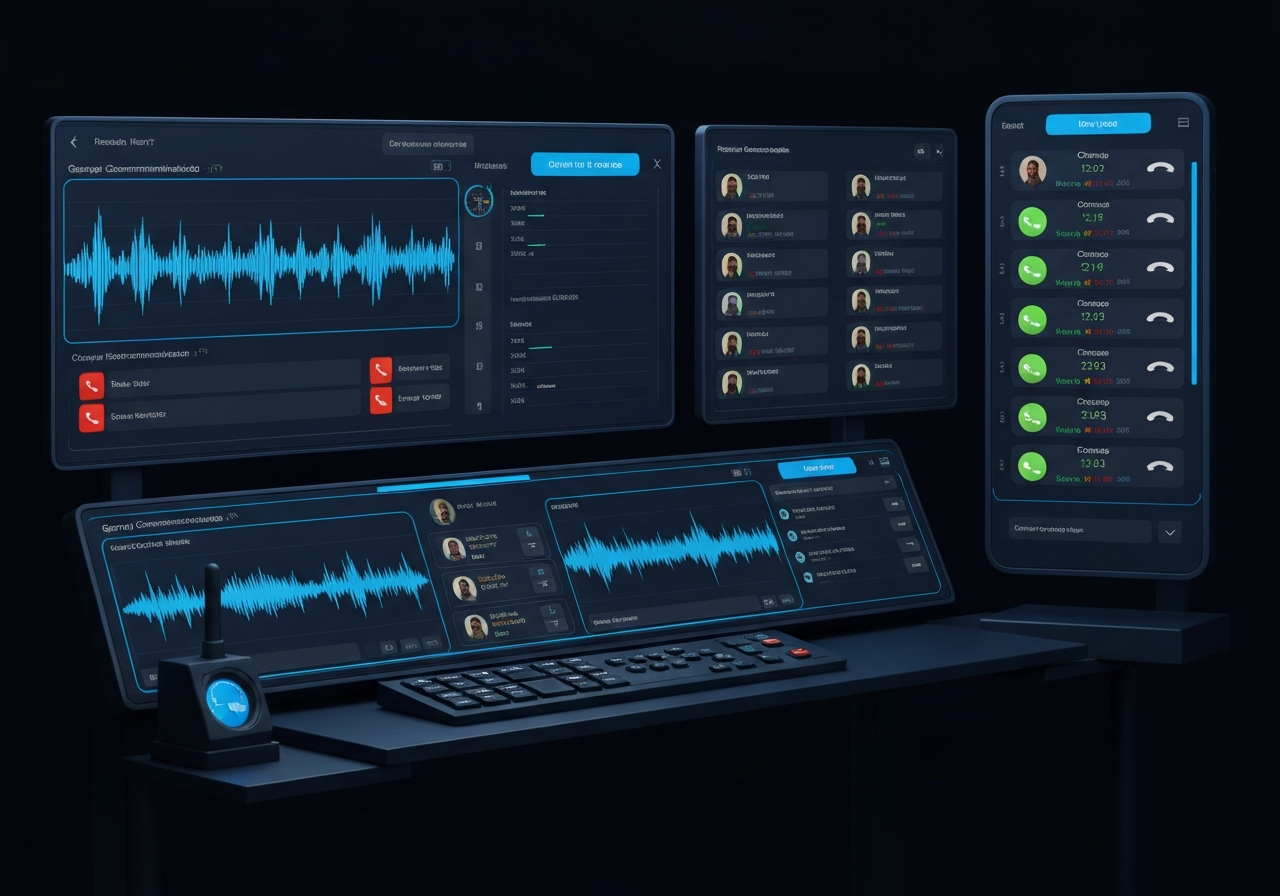
The Sentinel Dispatch Console is a full-featured PC application that puts your entire communication network at your fingertips. Monitor personnel, manage calls, track locations, and respond to emergencies - all from a single workstation.
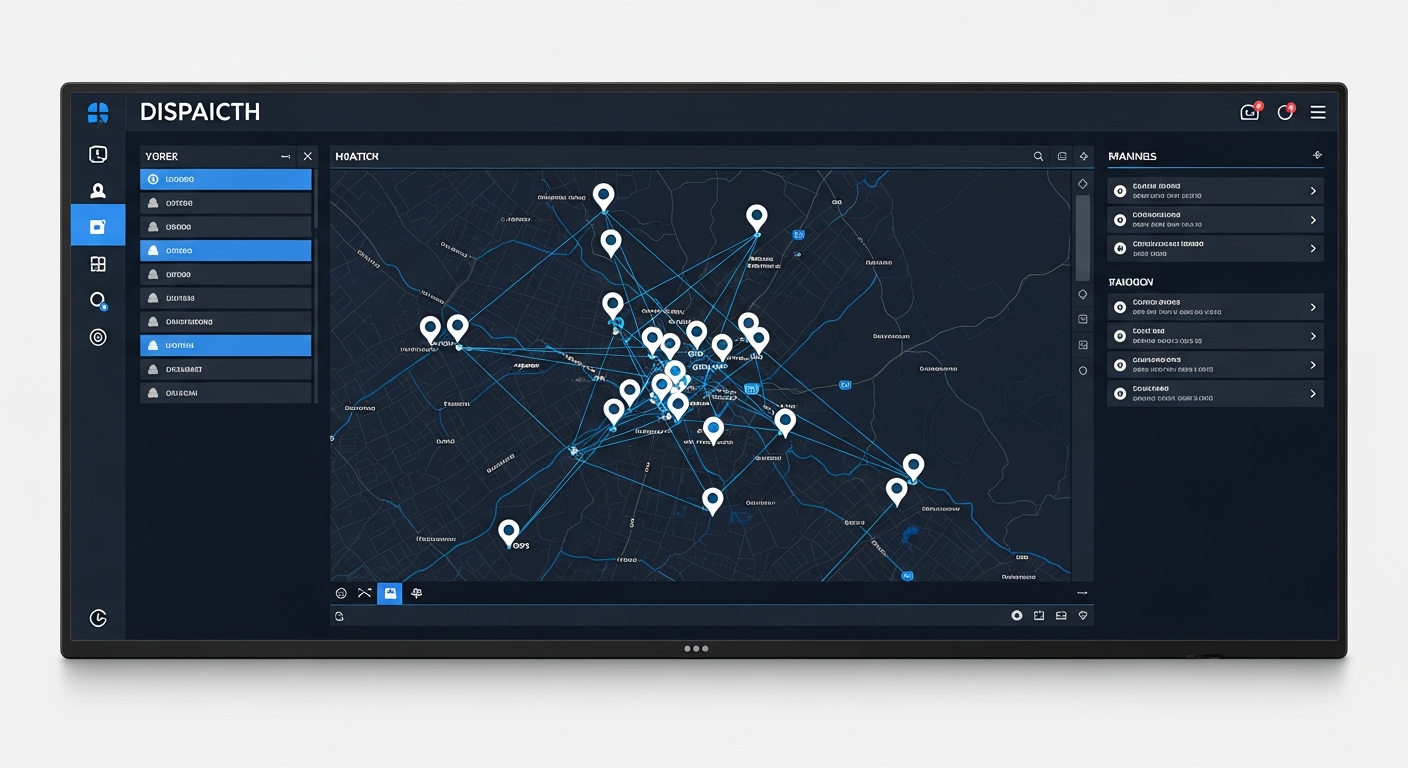

One Interface. Total Situational Awareness.
The Sentinel Dispatch Console is designed for professionals who need to manage large, distributed teams in real time. Unlike mobile apps, the dispatch application can handle multiple simultaneous calls - giving dispatchers the full picture without missing a transmission.
- Handle multiple active voice and video calls simultaneously
- Assign dispatchers to one or more communication networks
- React to emergencies with instant priority channel activation
- Manage users, groups, and permissions from the same screen
Everything Your Dispatcher Needs
A complete set of tools for command, control, and visibility across your entire fleet - no third-party integrations required.
Multi-Network Control
Monitor and manage multiple PTT communication networks simultaneously from a single interface.
Voice PTT Calls
Initiate and receive individual or group voice calls without interrupting other active channels.
Video PTT Calls
Receive live video streams from field devices for real-time visual situational awareness.
Emergency Processing
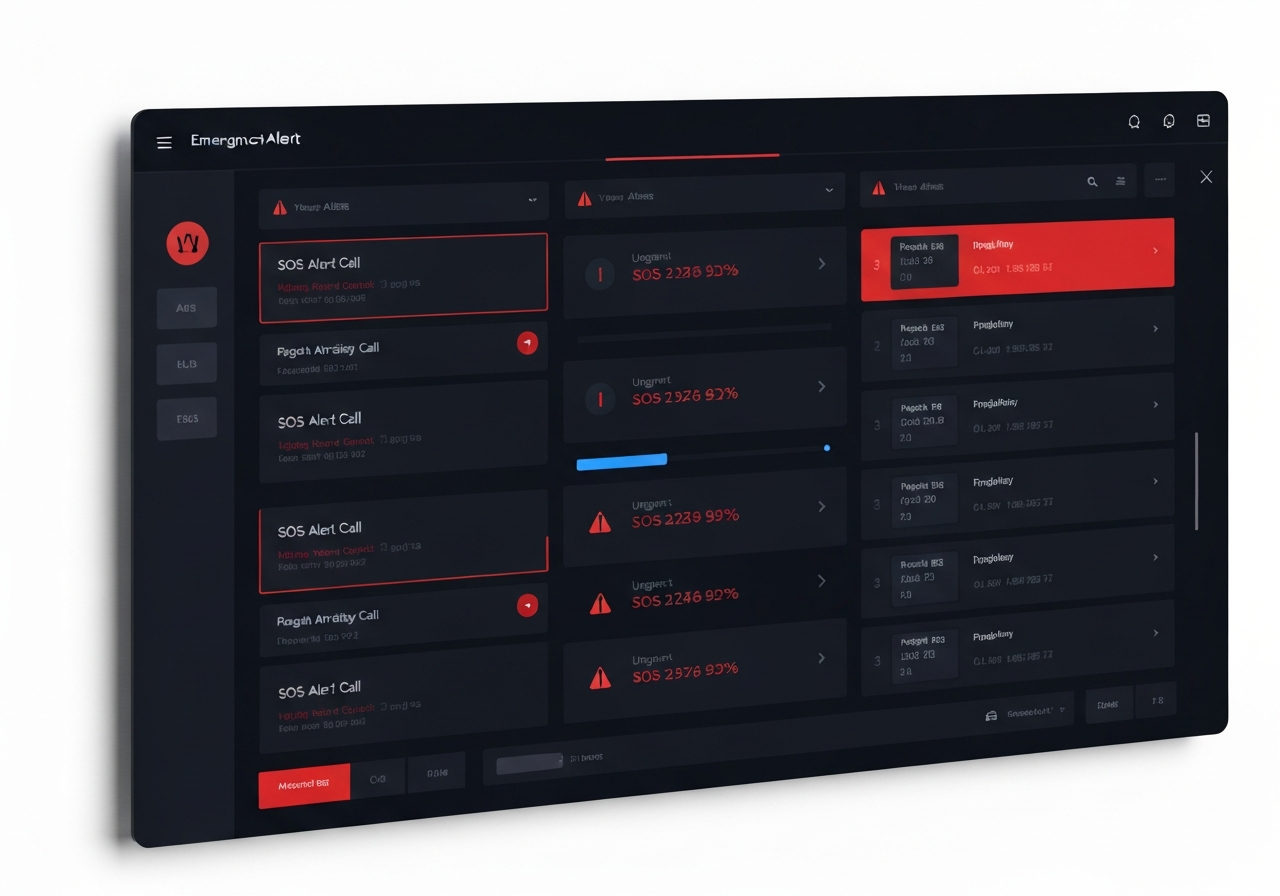
Receive and respond to SOS and Man Down alerts with high-priority call escalation and location data.
Dynamic Groups
Create, modify, and dissolve communication groups on the fly to match changing operational needs.
Message Exchange
Send and receive text messages, images, and files across individuals or entire groups.
Live Location Tracking
View real-time positions of all active users on an integrated map with periodic GPS updates.
Geofencing
Define virtual zones and receive automatic alerts when personnel enter or leave designated areas.
Guard Tour
Verify checkpoint compliance with structured patrol routes and automated tour reporting.
Over-the-Air Programming
Push configuration updates and changes to field devices remotely without physical access.
User Block / Unblock
Immediately suspend or restore access for any user on the network from the dispatch interface.
Event Logging
Automatic timestamped record of all calls, alerts, messages, and location events for audit purposes.
Location History Tracks
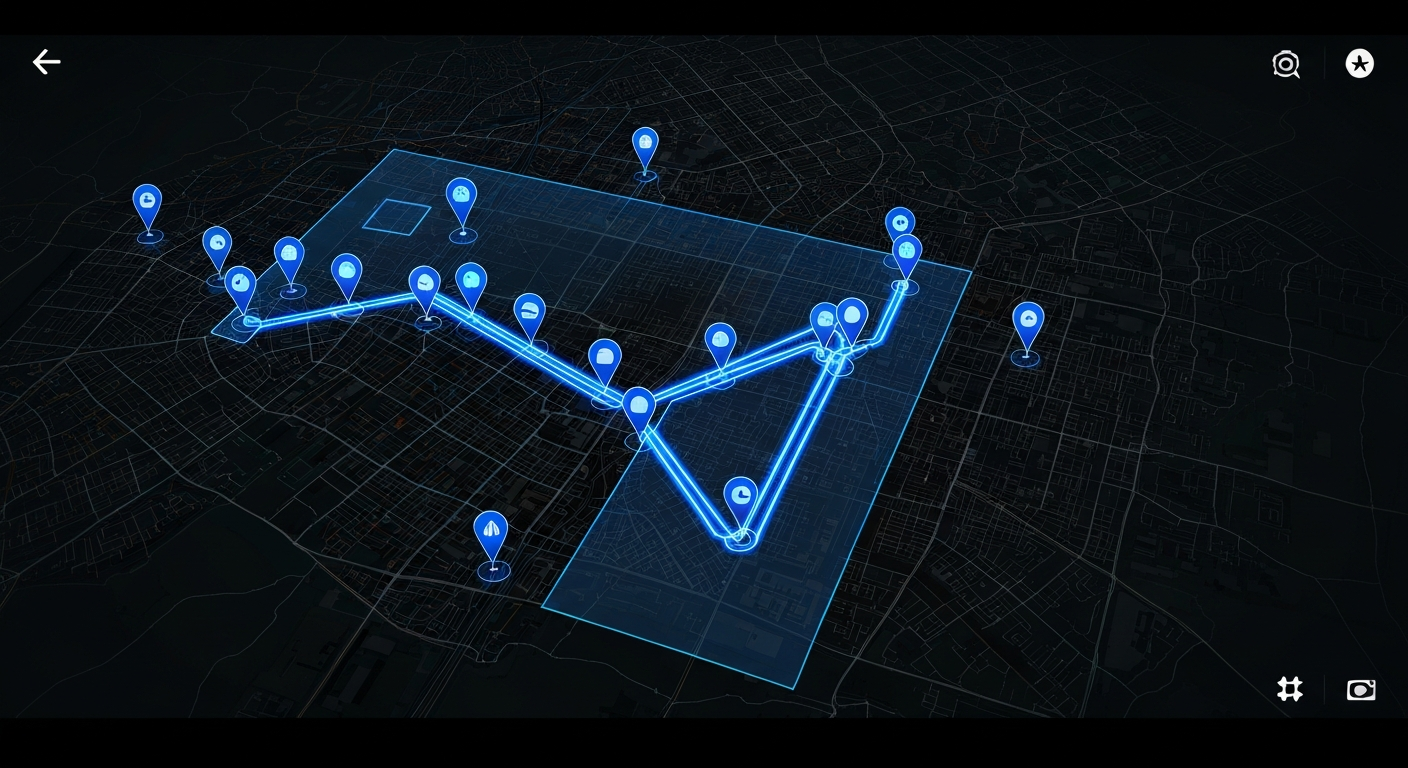
Replay movement paths for any user across a selected time period directly on the map.
Reporting Tools
Generate detailed operational reports covering communication activity, location data, and system events.
Track Every Team Member in Real Time
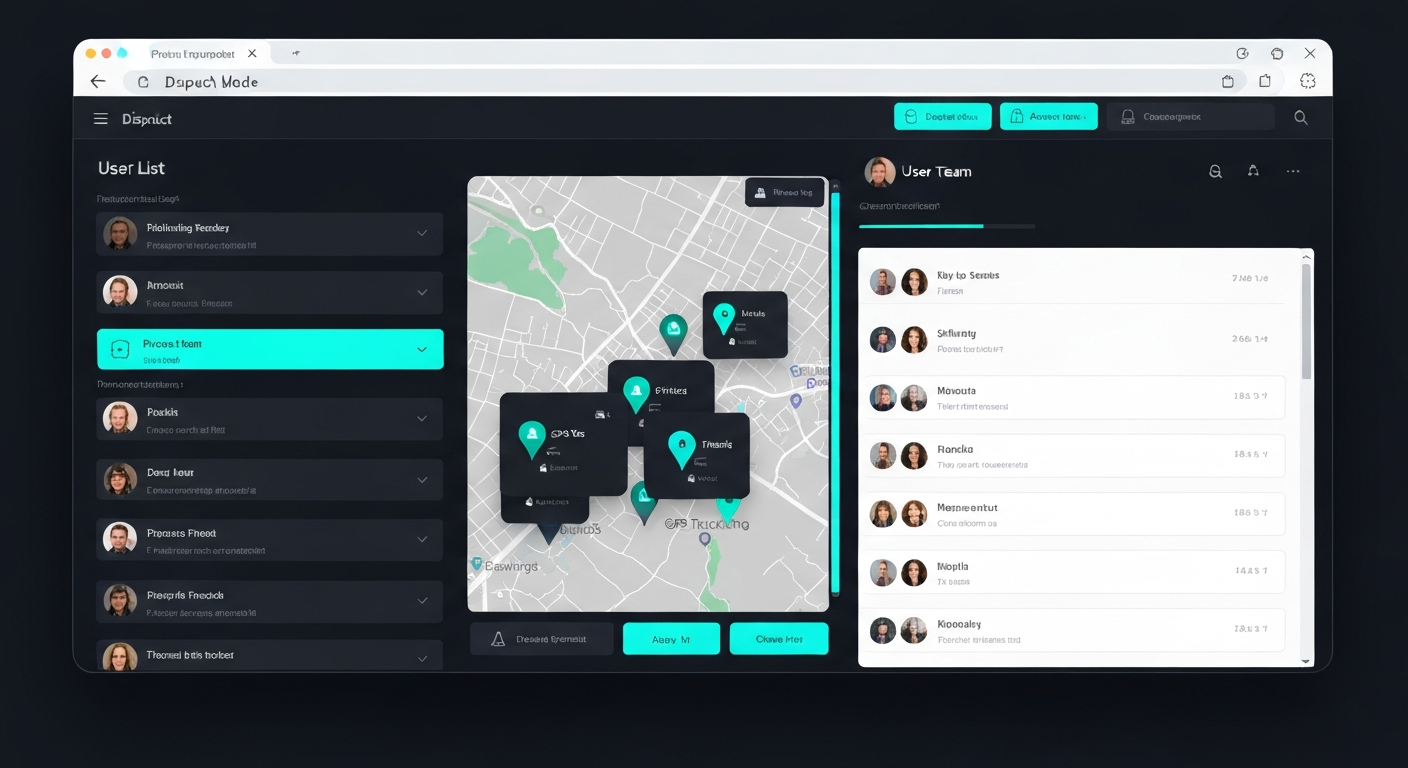
The integrated GPS map keeps your entire fleet visible at all times. Set geofences around job sites, campuses, or restricted zones and receive instant alerts on entry or exit. Review historical movement tracks to reconstruct any field event.
Respond Faster When It Matters Most
SOS and Man Down alerts are surfaced immediately in the dispatch console with the sender's live location and a high-priority voice channel. Dispatchers can acknowledge, escalate, and log every emergency event without leaving the interface.
- Automatic SOS alert with real-time GPS coordinates
- Man Down / No Motion trigger detection
- High-priority channel activation on alert
- Full emergency event log for post-incident review
Multiple Calls. Zero Dropped Conversations.
Unlike mobile PTT clients that handle one call at a time, the Sentinel Dispatch Console can receive and initiate multiple simultaneous calls across separate networks and groups. Your dispatcher stays connected to every channel at once.
Simultaneous Voice & Video
Monitor multiple active calls across different groups without missing transmissions.
Dynamic Group Creation
Build temporary or permanent communication groups instantly from the dispatcher view.
Over-the-Air Programming
Push device configuration updates to the field without recalling hardware.
Web Dispatcher: Command from Any Browser
Need dispatch capabilities on the go without installing software? The Web Dispatcher provides core command and control functionality securely via HTTPS from any modern web browser.
See the Console in Action
Schedule a live walkthrough with our team and see how the Sentinel Dispatch Console can transform visibility and control for your organization.